

Fast on site.Flawless on the books.
Concrete pours, rebar, timesheets, deliveries and interim payments in one app. The site manager records it by phone on site; the office sees the same record on the desktop.
Every record on site,
on one screen.
Work progress, interim payments, orders, stock and subcontractors on one screen, up to date every day.
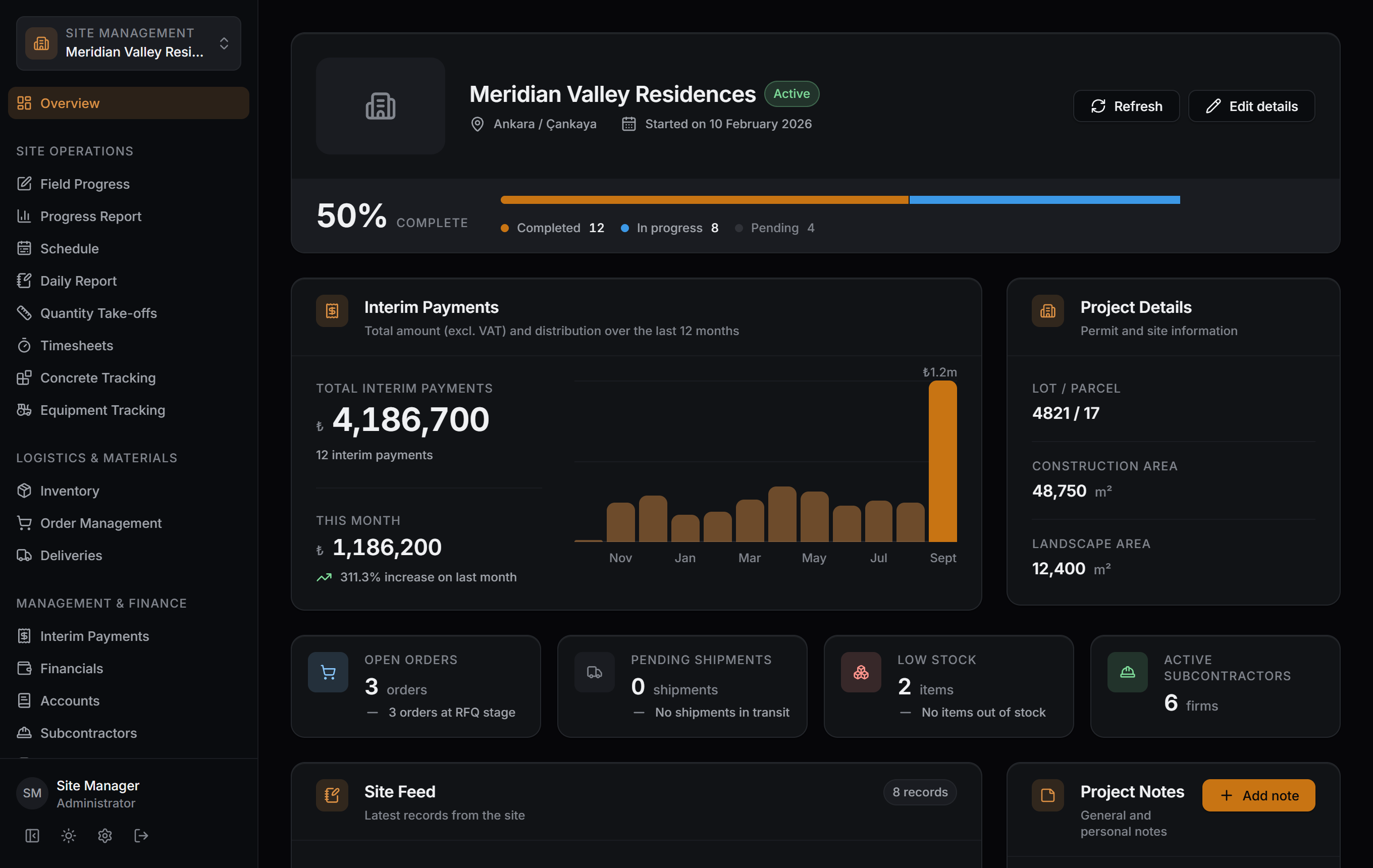
Captured as-is from the Windows app; the data belongs to a sample project.
On site, records stay on paper. Timesheets in a notebook, delivery tickets in the glovebox, quantities in an Excel file.
In Sitabula every pour and every delivery is entered once. Interim payments, stock and reports all draw on the same record.
The site manager and the accountant in the office look at the same number.

- Work itemBuilding A · 3rd floor column rebar100%
- Delivery receivedReady-mix concrete · 8 mixers8 delivery tickets
- Concrete pourBuilding C · 5th floor slab · C3042 m³
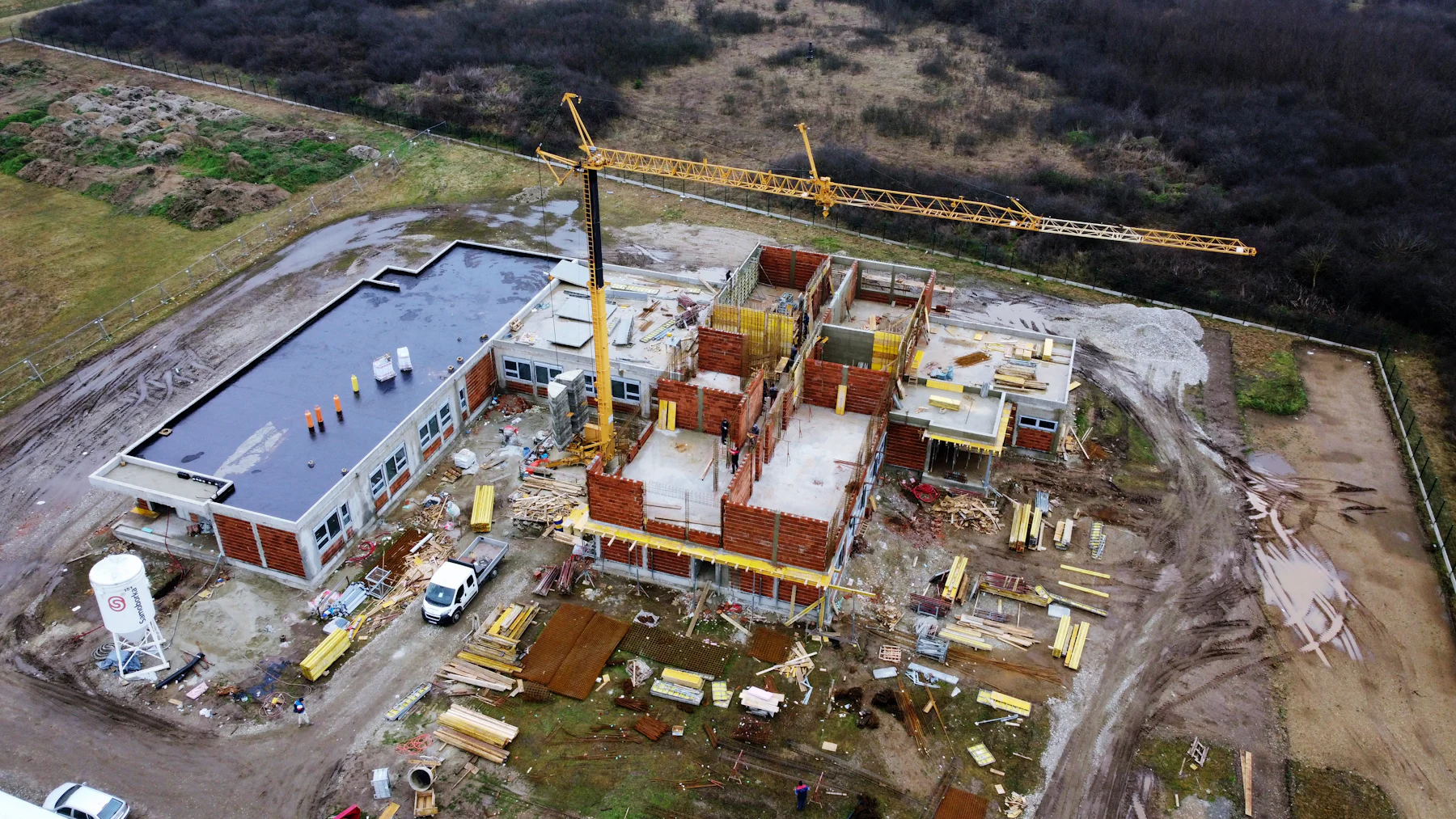
One record. Every site.
From site to payment.
Never the other way round.
Some records start on site with a photo.
Some are completed in the office with an approval.
All of them meet in the same interim payment.
Entered on site
Pours, rebar, timesheets and deliveries; the site manager enters them by phone, with photos.
Approved in the office
The technical office works on quantities, orders and subcontractor agreements on the same record.
Combined in reports
Interim payments and accounts are calculated from their own records and exported as Excel, PDF and DXF.
Four workspaces,
one shared record.
Nineteen modules are grouped into four areas. A work item shows up in the interim payment, a delivery in the stock.
All modules →Site Operations
Every job on site recorded, from work items to concrete pours, from timesheets to equipment.
Logistics & Materials
An unbroken chain from order to delivery and from delivery to stock. Low stock flags itself.
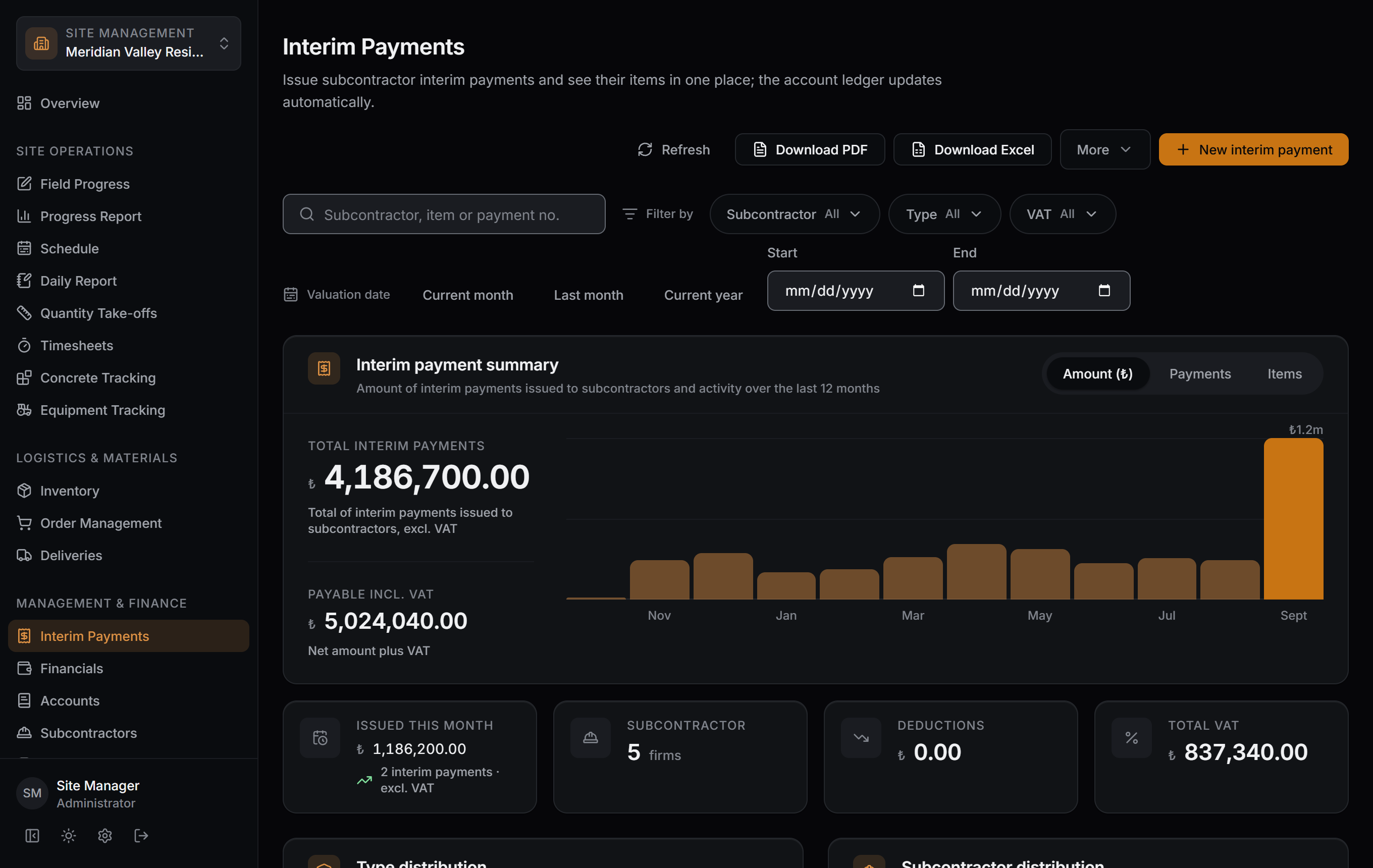
Management & Finance
Subcontractor payments, accounts and cost, in the same ledger as your suppliers and customers.
Office & Tools
The project's details, permit and files; your team's permissions. Who sees what is your call.
Phone on site. Desktop in the office.
Same record.

Open your first site. Free, no time limit.
Sign up, open your project and invite your team. There is no time limit for one project.